
STEP 1: Go to the Client Area
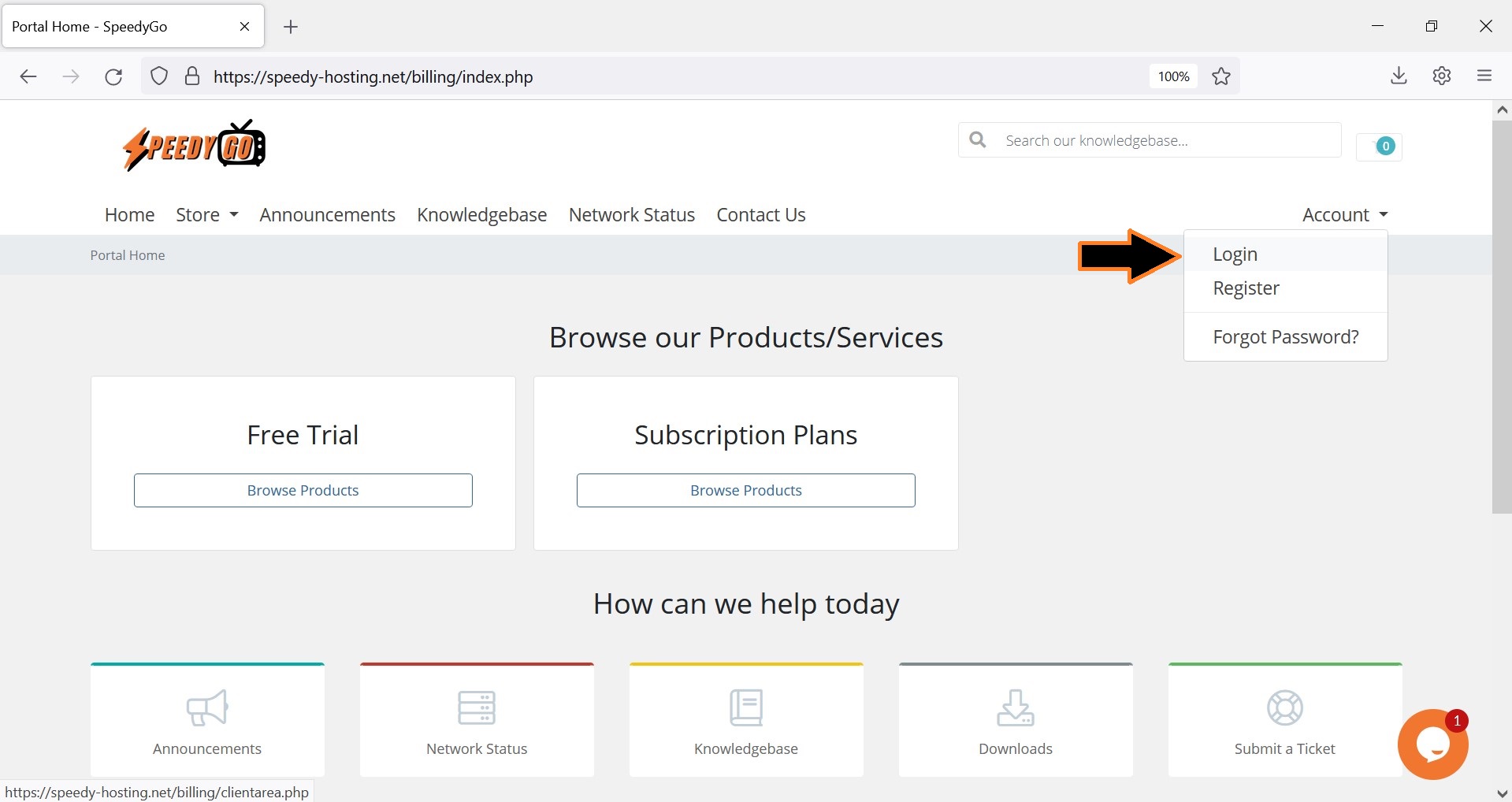
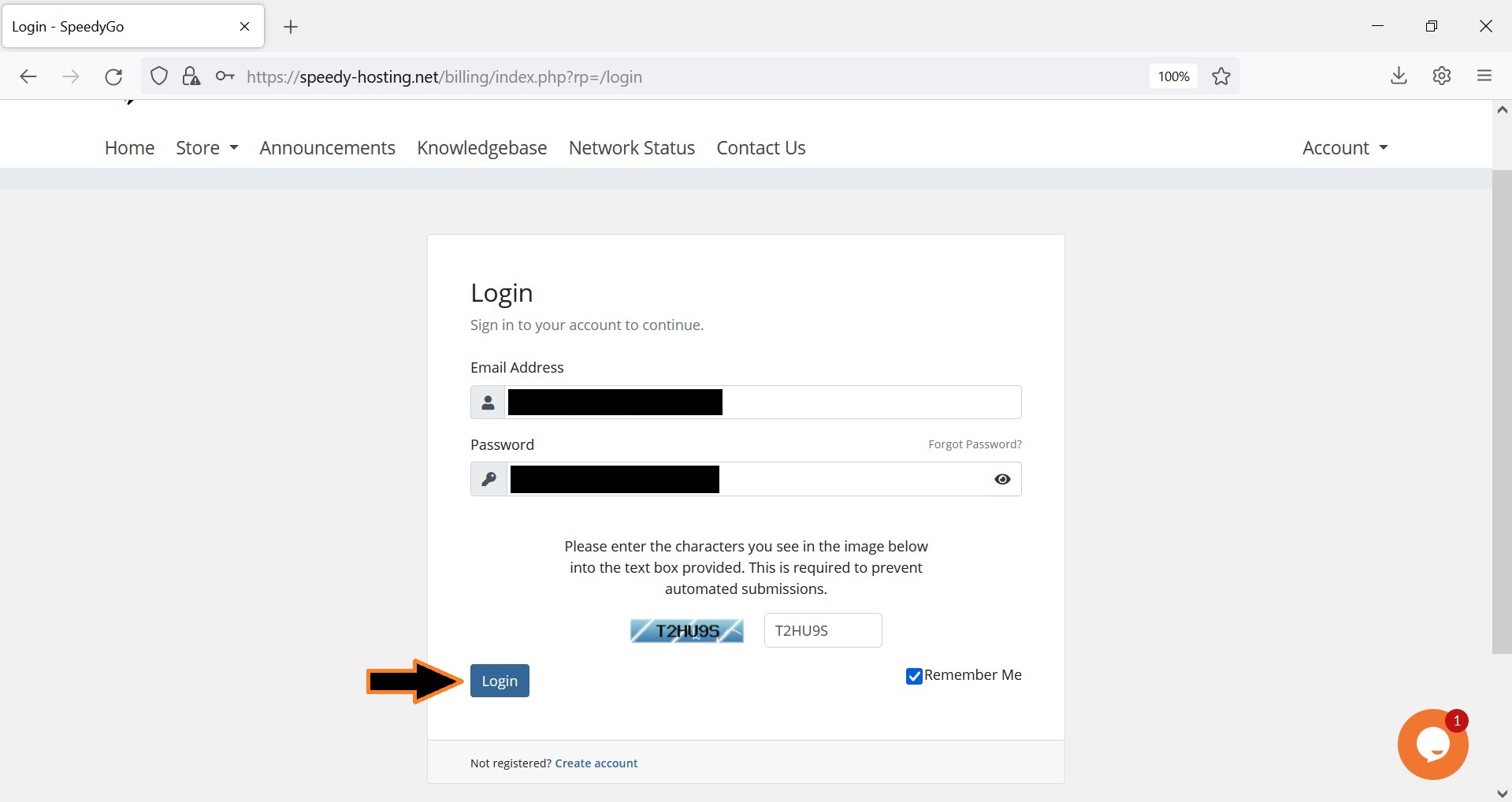
STEP 2: Log in to your account.
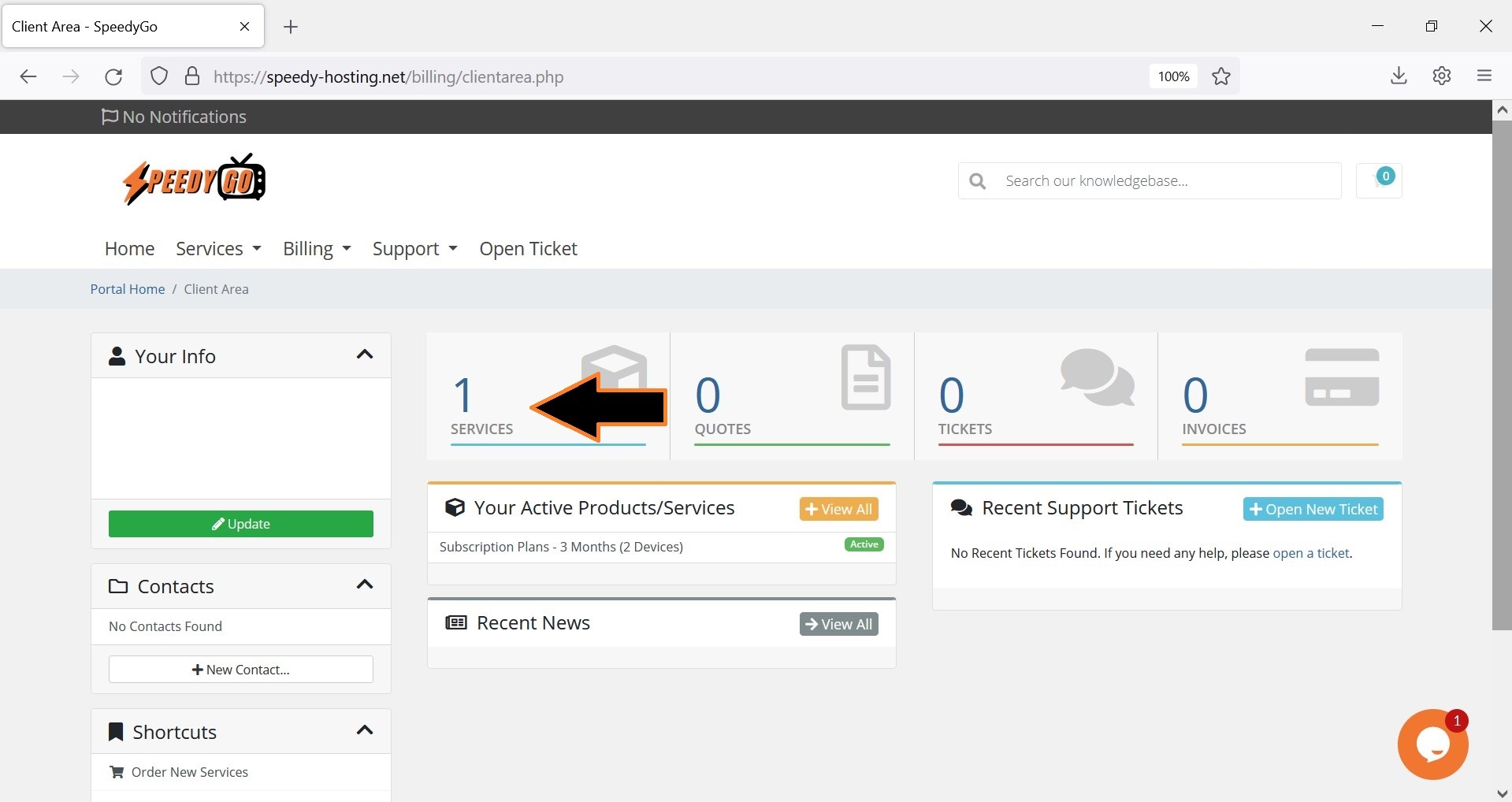
STEP 3: Click SERVICES.
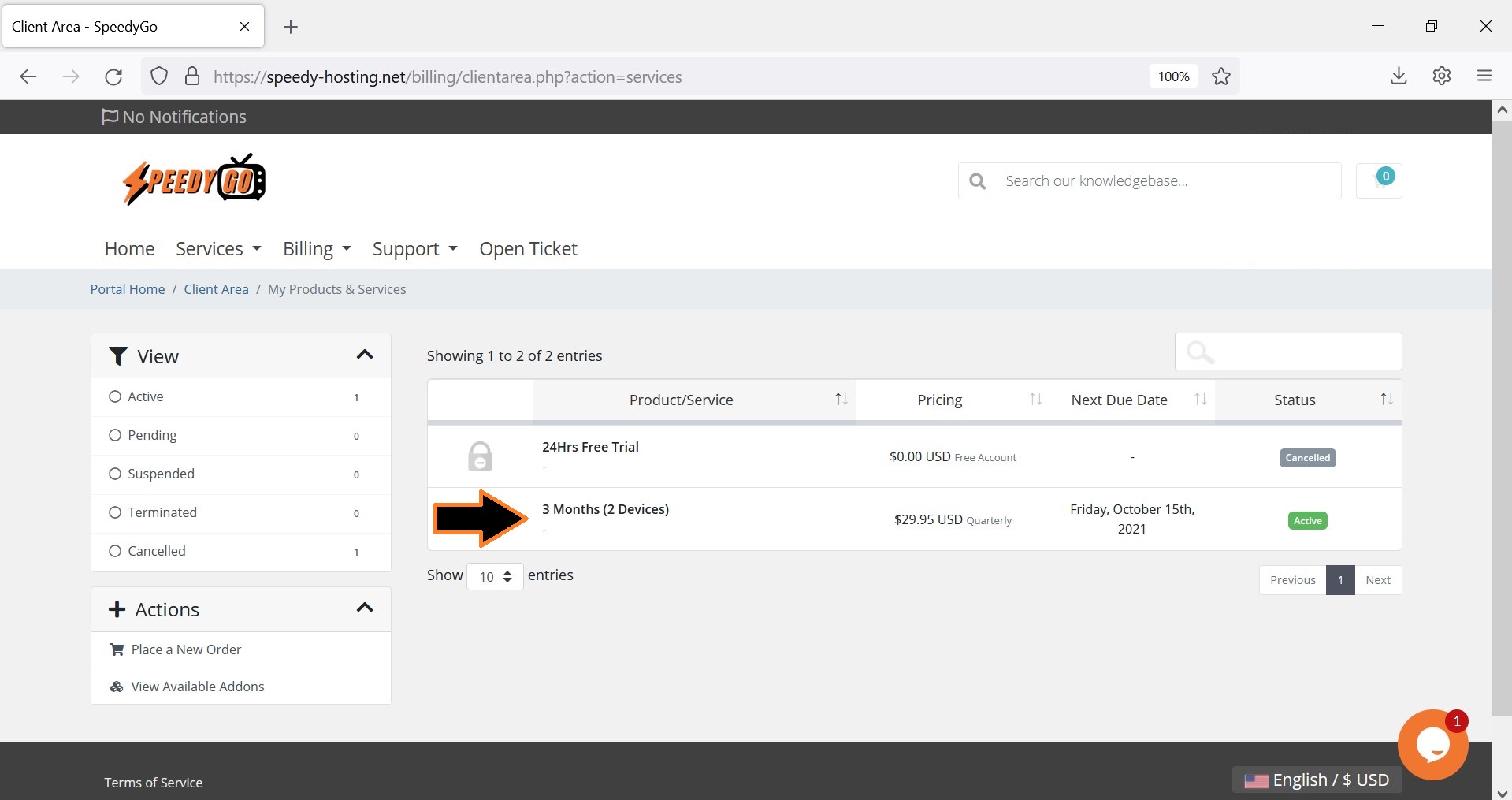
STEP 4: Select an ACTIVE subscription.
STEP 5: Open the IPTV SERVICE DETAILS.
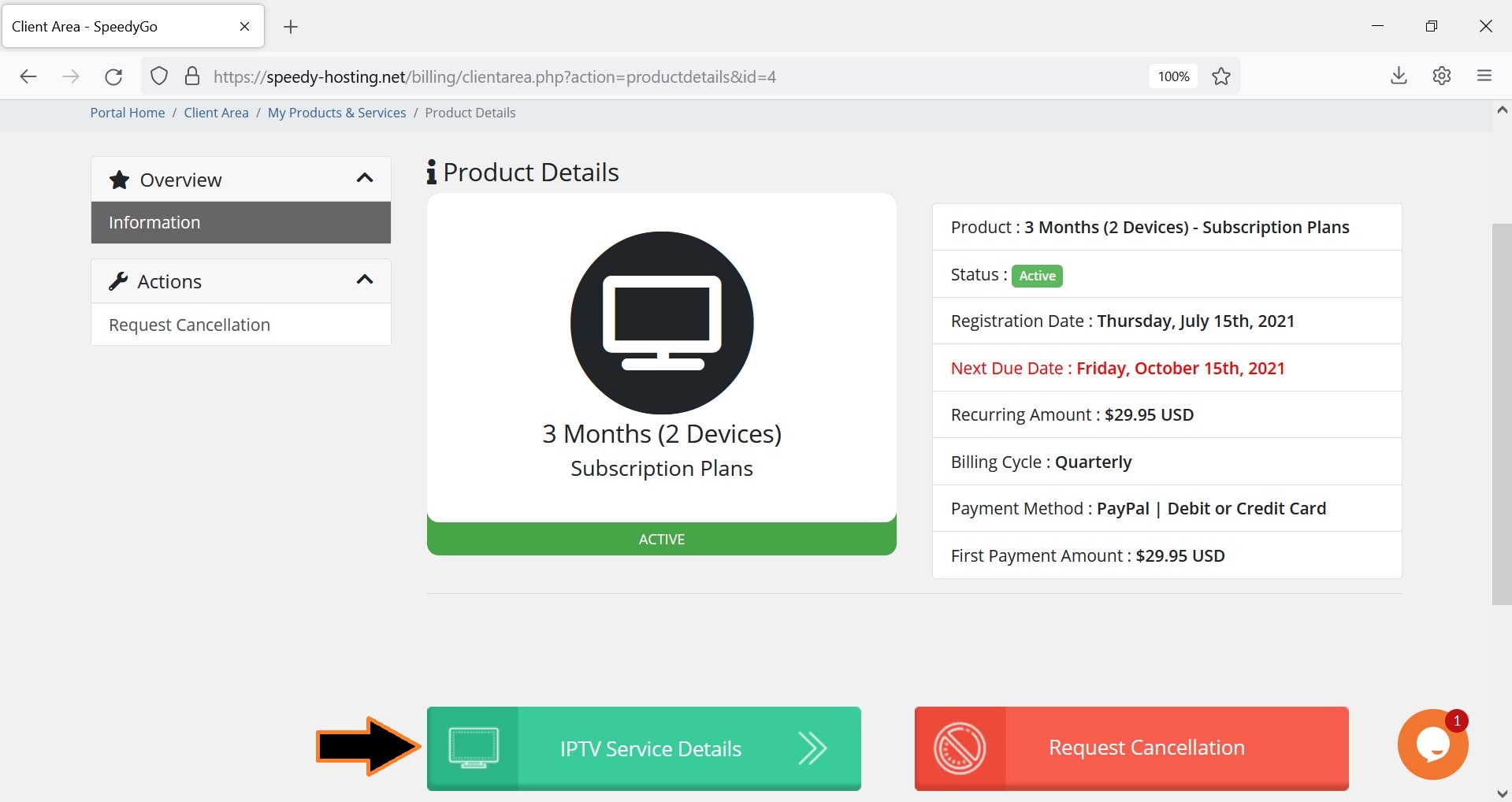
Wonderful! Start activating your devices now.
The portal URL is: http://my.speedygo.net:25461
(Make sure not to include any spaces)
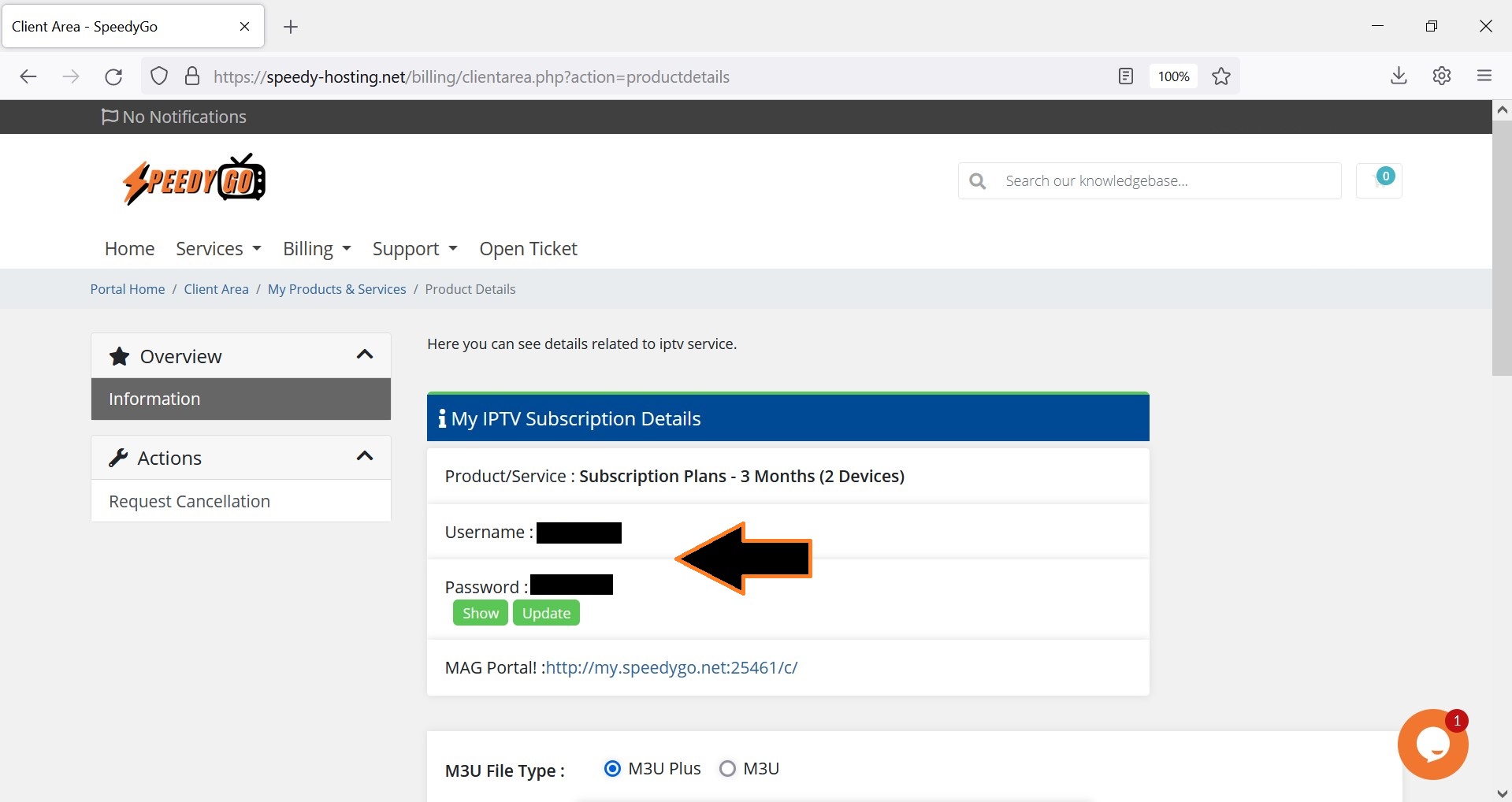
Note: Right below your app login is your M3U link. Simply copy and paste the link to a browser to download it.
Don't have an account yet? Order Now!